How to setup Reserves
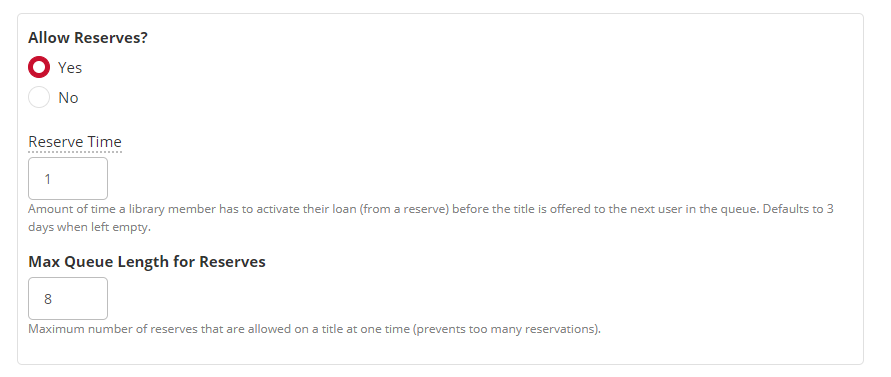
To setup the Reserves feature, visit 'Global Site Settings' from the main admin area on the ePlatform. Within this area you can define and turn on the lending facility.
Reserve Time: How long the patron has to download the available ebook or audiobook.
Max Queue Length for Reserves: Maximum number of reserves on an ebook or audiobook.
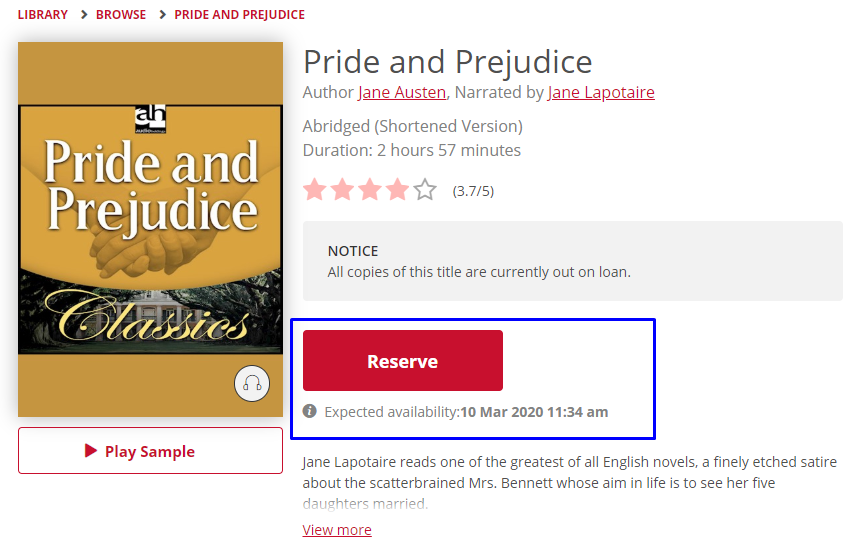
If a title is out on loan, patrons will be given the option to Reserve a title.
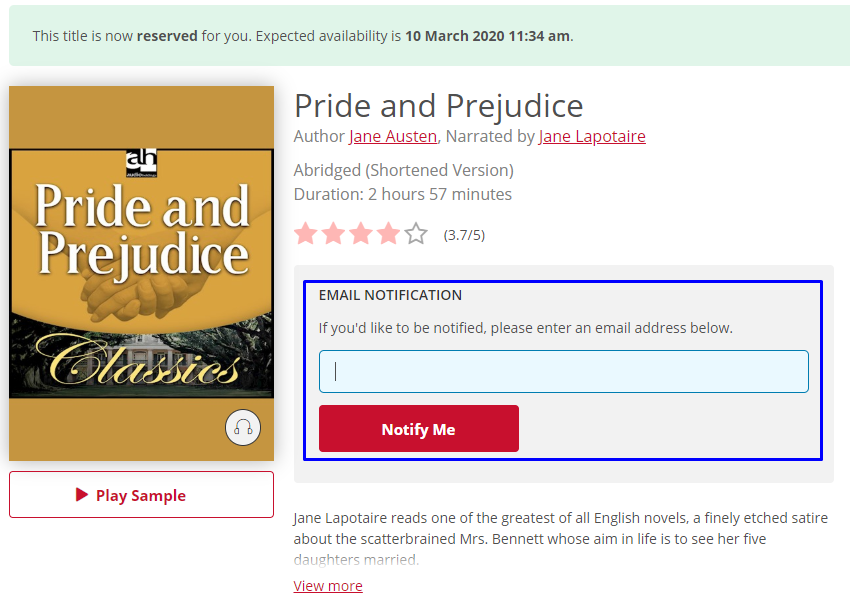
If you click on 'Reserve Now?' you will be prompted to add in an email address. This is optional for the patron, but will assist with early return notification.
An ETA is listed on the page, example; Expected availability: 10 Mar 2020 11:34am. However this will change if the title is returned early. If an email is given the patron will be notified of early returns and natural expiries.
Note: If reserves is activated a Reserves Graph will be visible on the 'Reporting' page within the admin area.
If you make a reservation and decide that this is no longer required, you can cancel the reserve request under 'Reserves', simply select the 'cancel' option next to the title.